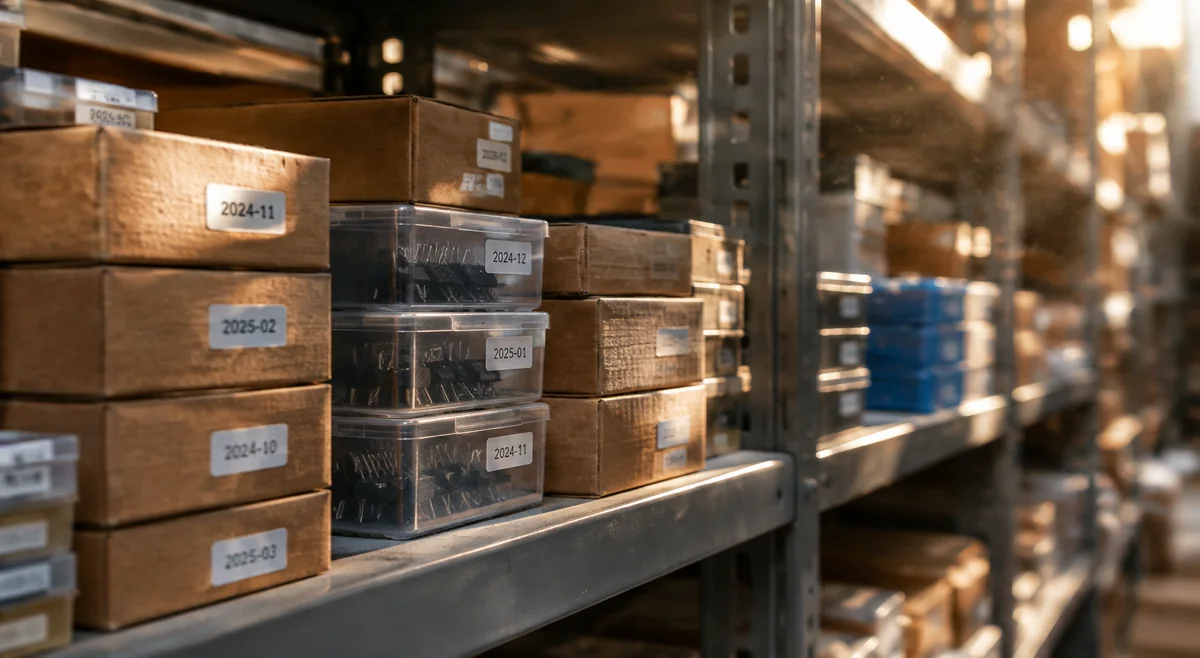
Listing is not allocation
Use a public quantity to start a sourcing check, not to schedule a production run. A listing is not a reservation for your project. On Sourceics product pages — for example W25Q128JVSIQ or STM32F103C8T6 — manufacturer-channel quantities describe reported channel availability, not Sourceics-owned inventory. The highest single-offer figure is not a total assembled from multiple listings. Buyers add up three listings into one imaginary stockpile — then learn each seller held only a fraction of it. Treat every listing as its own lead until the lot is confirmed.
Read the timestamp with the offer
Check when the displayed information was last checked, which channel it describes and whether the full ordering code matches your BOM. Put the same discipline into writing the RFQ. A recent timestamp does not confirm that the source has allocated the material to you. Ask for availability to be reconfirmed for your quantity, destination and required delivery date.
- Keep the exact manufacturer, complete MPN and required quantity together.
- Ask whether the quoted quantity is available now, expected later or subject to a further source check.
- Confirm the shipment plan separately from the required arrival date.
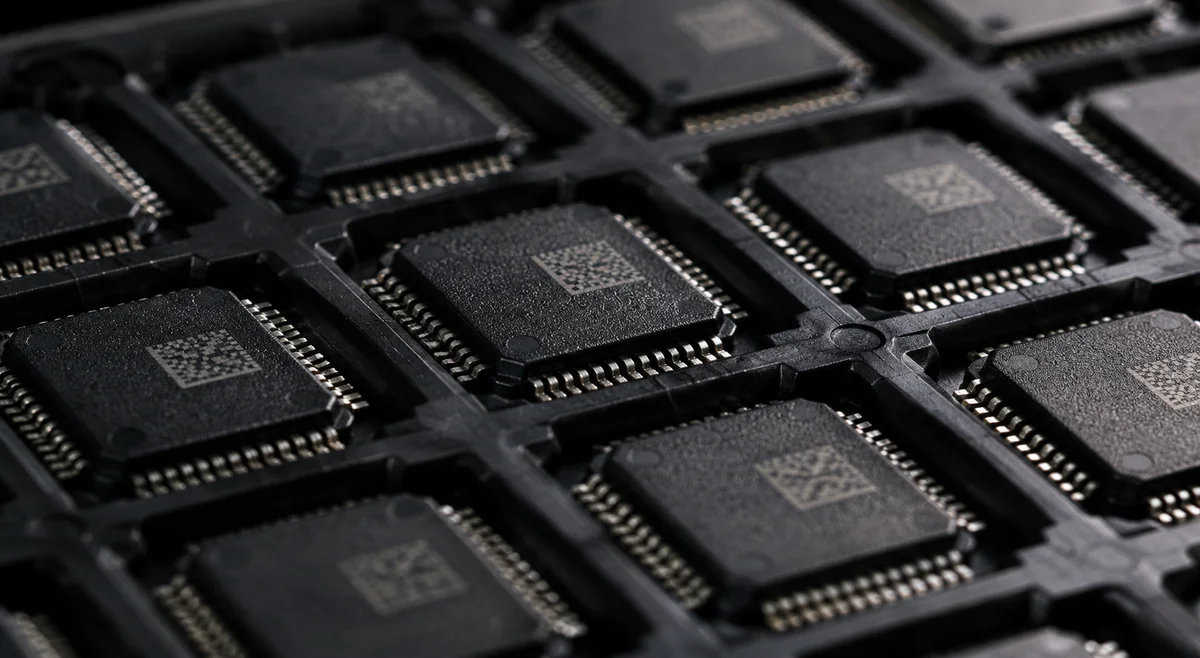
Check MOQ and packing before comparing quantities
MOQ is the minimum order quantity for an offer; it is not the number of units currently available. Check the permitted order increment as well. Package describes the device form, while packing describes how the material is supplied, such as reel, tray or cut tape. A part like LM2596S-3.3/NOPB shows how the ordering code pins down both. Confirm both for the actual quoted lot rather than assuming that every offer for a family uses the same format.
- Ask whether your requested unit count meets the MOQ and any packing multiple.
- If repacking or split quantities are proposed, agree the handling and label requirements.
- Keep stock, MOQ, packing and delivery information tied to the same offer when comparing sources.
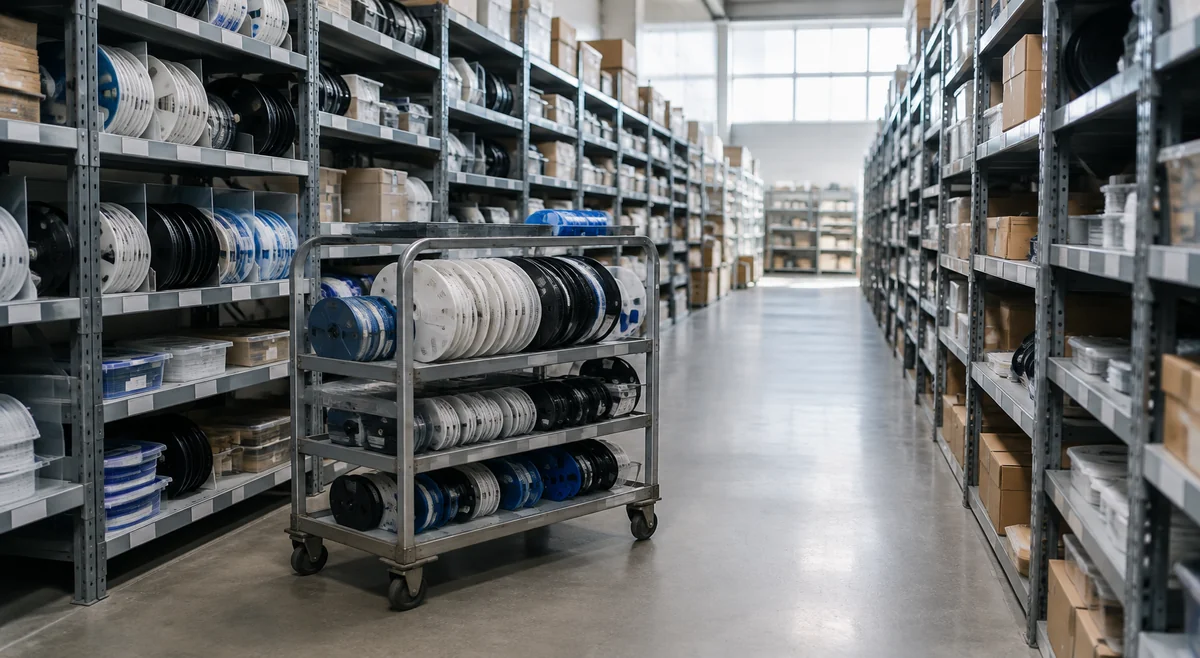
Compare price at the same quantity and currency
Displayed Sourceics prices on catalog records apply to the stated quantity break and currency. Compare offers for the same complete ordering code and purchase quantity, not a high-volume unit price against a small-quantity quote. Ask the quotation to identify the unit-price basis, any additional charges, delivery terms and validity period. The final commercial quotation confirms the applicable terms.
Treat missing data as a question, not zero stock
A blank field, RFQ label or Confirmed on request status means that the page does not establish the commercial answer. It is not proof of zero availability, a zero price or a discontinued product. The blank-field panic cuts both ways: some buyers assume zero stock and overpay elsewhere, others assume availability and schedule production. Both are guesses — the RFQ is the only answer. Send the exact part number for review and identify which points must be confirmed before you can approve a quotation.
Recheck before commitment
For each proposed offer, ask for a consistent set of facts — including date-code and lot evidence — before approving it. If the source, lot or packing changes, reconfirm the affected conditions instead of carrying assumptions from the previous offer into the new one.
- Identity: complete MPN, manufacturer and agreed substitution policy.
- Supply: source category, confirmed quantity, packing, MOQ and order increment.
- Evidence: offered lot/date-code information and the agreed traceability or inspection documents.
- Timing: availability-check date, shipment timing and expected delivery to your destination.
- Commercial basis: currency, quantity break, additional charges and quote validity.
Quote clearly
Put the required quantity, destination, deadline and any non-negotiable source or lot requirements in your RFQ. Where information is missing, ask a direct question rather than filling the gap with an assumed value. Review the confirmed offer with your purchasing team; sending an RFQ does not place an order or reserve stock.
Frequently asked questions
Quick answers to the questions buyers ask most about stock figures.
- Q: A site shows a large quantity in stock — can I plan production around it? A: No. A listing is a lead, not an allocation — reconfirm availability for your quantity, destination and delivery date.
- Q: What does 'Confirmed on request' actually mean? A: The page does not establish the commercial answer. Send the exact part number for review instead of assuming zero stock — or assuming availability.
- Q: How do I compare two stock listings fairly? A: Same complete ordering code, same quantity, each with a timestamp — and keep stock, MOQ, packing and delivery tied to the same offer.
- Q: Is MOQ the same as available stock? A: No. MOQ is the minimum order quantity for an offer, not the number of units currently available.
Sources
Use the latest guidance for the exact part and manufacturer when deciding acceptance criteria.